 UniTalk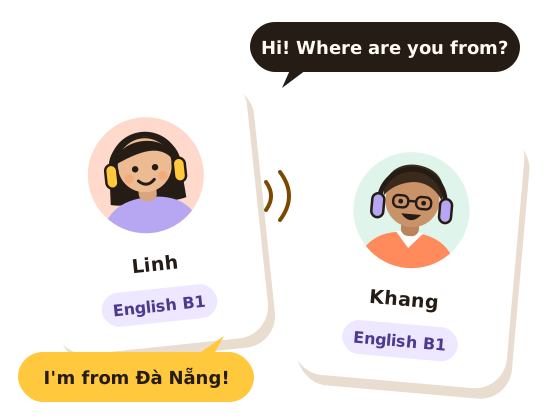
Practise speaking with other students
Talk for as long as you like. Matched 1:1 by level, with questions on screen — real talk, no pressure.
Tell me when it launches- Coming soon to the App Store
- Coming soon to Google Play
How UniTalk works
Three steps, nothing to prepare.

Pick a language and level
English, Japanese, Korean or Chinese — at the level you are now, from beginner to advanced.

Get matched 1:1
UniTalk finds another student learning the same language at a level close to yours. Prefer your own university if you like.

Talk freely
Topic questions appear on screen, so you never run out of things to say. No time limit — add each other as friends if it clicks.
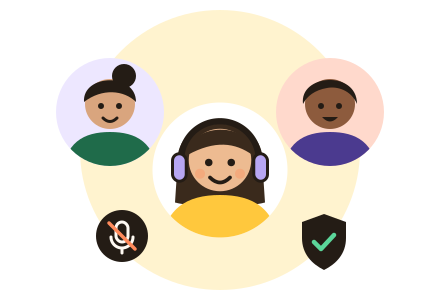
Speak freely — safety is the default
You are always in control of the conversation.
- Report or block right in the callBlocking ends the call and you will never be matched again. The person you report is not told who reported them.
- Audio is never recordedVoices travel live between the two of you and are not stored anywhere.
- Adults only (18+)Everyone agrees to the community rules before their first call.
- Messages only between friendsYou can only add people you have talked with; unfriending or blocking stops their messages at once.
Questions
Does UniTalk cost anything?
UniTalk is free right now and has no in-app purchases.
Are calls recorded?
No. Audio is relayed live between the two people through Cloudflare Realtime and is never recorded or stored. We keep only facts about the call, such as when it happened, how long it lasted, the language and the topic. See the privacy policy.
Who will I talk to?
Another user practising the same language at a level close to yours. You can choose to prefer people from your university. You are never matched with someone you have blocked.
Who can use UniTalk?
Anyone aged 18 or over. UniTalk is made for university students, but naming your university is optional.
How do I sign in?
With Apple, Google or email.
When can I get the app?
UniTalk is coming soon to the App Store and Google Play. Email contact@unitalk.live if you want to hear when it launches.
How do I delete my account?
In the app: Profile tab → bottom of the page → Delete account. Details on the Delete your account page.